Press kit
Aybuke, in brief
Everything you need to write about Aybuke: boilerplate, facts, brand assets and screenshots. Questions or interview requests go to hello@buaze.com.
Boilerplate
Short
Aybuke is the AI photo editor made for girls who glow. Describe any change, tap a trend, add a free 80s or 90s effect and share your glow-up in one tap — private by default, with no weekly plan.
Long
Aybuke is an AI photo editor and image generator for iPhone, iPad and Mac, made for girls and young women. With Magic Edit, people change a photo by describing it in their own words; Makeup Studio adds makeup looks as color, shine and sparkle; 58 one-tap looks cover trends such as Doll Box and Y2K Digicam; Create from text turns ideas into art in 20 styles; and free on-device tools add retro effects, shoot with Retro Cam, make collages, edit and caption videos, remove backgrounds and hide other people's faces. Every look keeps the user's face, skin tone and body as they are. Aybuke asks before any photo goes to the cloud, never uses photos to train AI and deletes results from its servers within an hour. It has no weekly plan: Aybuke Pro is $39.99 a year or $5.99 a month, and failed edits are refunded automatically.
Türkçe
Aybuke, ışıldayan kızlar için tasarlanmış yapay zekâlı fotoğraf editörü. Ne değişsin istiyorsan yaz, bir trende dokun, ücretsiz bir 80'ler ya da 90'lar efekti ekle ve glow-up'ını tek dokunuşla paylaş. Varsayılan olarak gizli, haftalık plan yok.
Brand colours
- Blush#F7C1D9
- Petal#F8E0EA
- Ink#121212
- White#FFFFFF
- Aura pink#FF5CA1
- Lilac#A78BFA
- Peach#FFAA78
- Mint#78E1CD
Labels on blush are always ink, never white. The aura colours are decorative: for the icon, share cards and artwork.
Typography
The app uses Poppins for the wordmark and titles, Apple's New York Italic for one accent word per headline (“Make it glow”) and SF Pro for everything else. This website pairs condensed uppercase headlines with Playfair Display Italic.
App icon
“Glow Gem”: a faceted pink heart, cut like a gem, with a white sparkle on its face and two small sparkles beside it, on a soft lilac-to-pink gradient.
Download the app icon (PNG, 512 × 512)
Screenshots
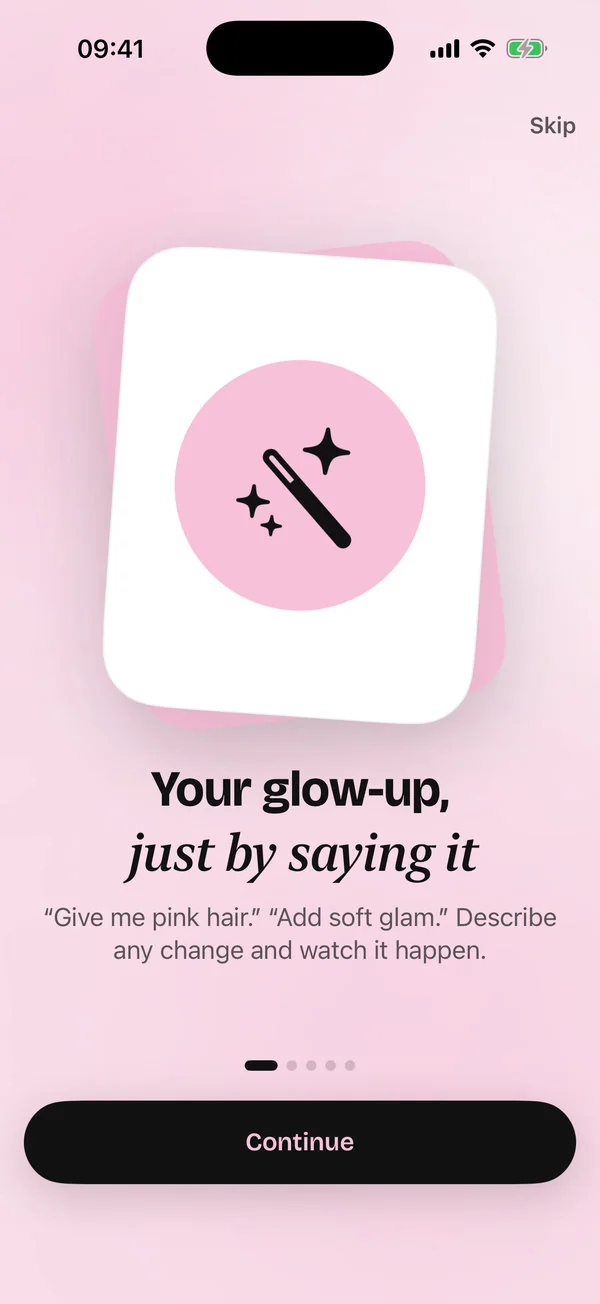
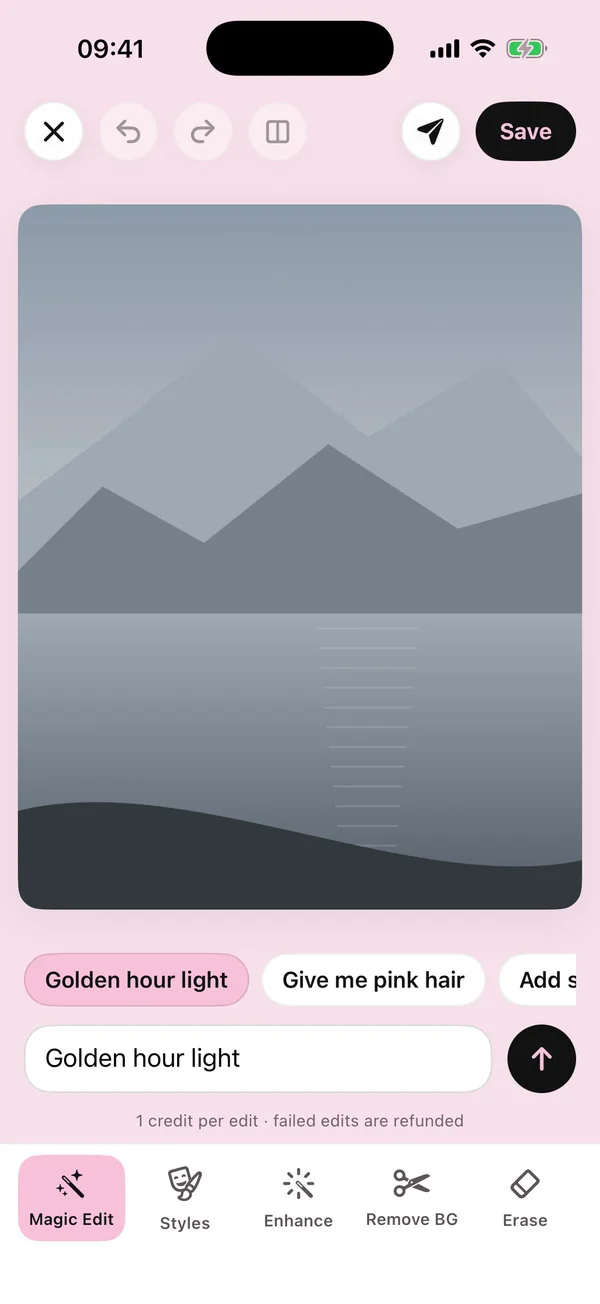
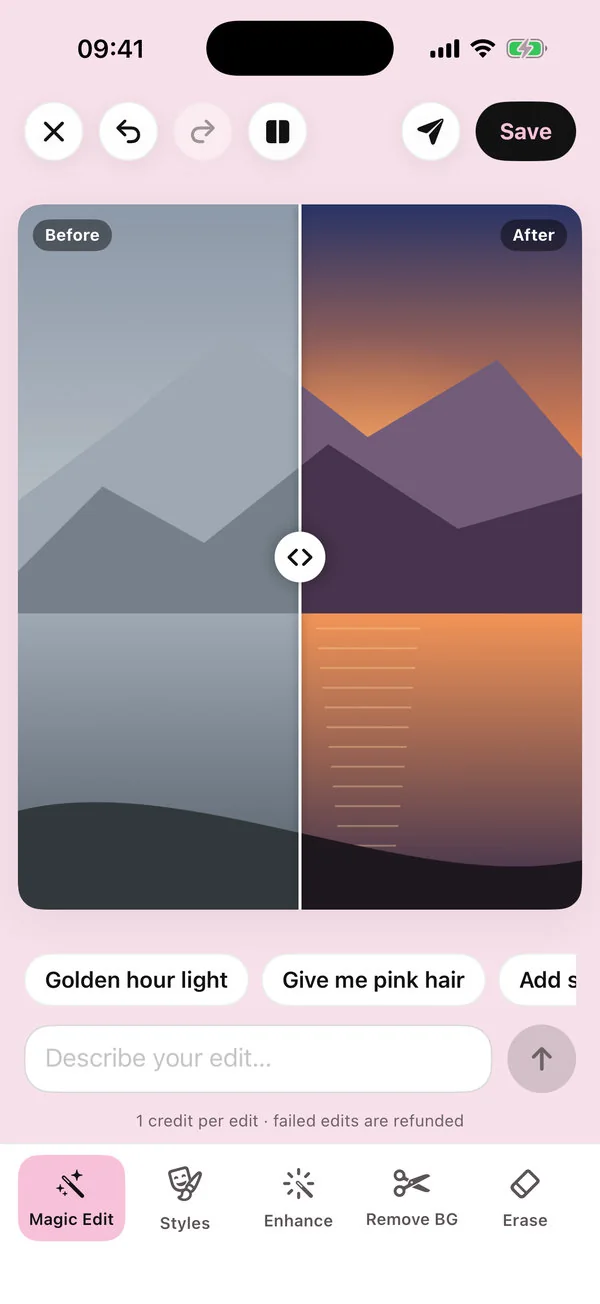
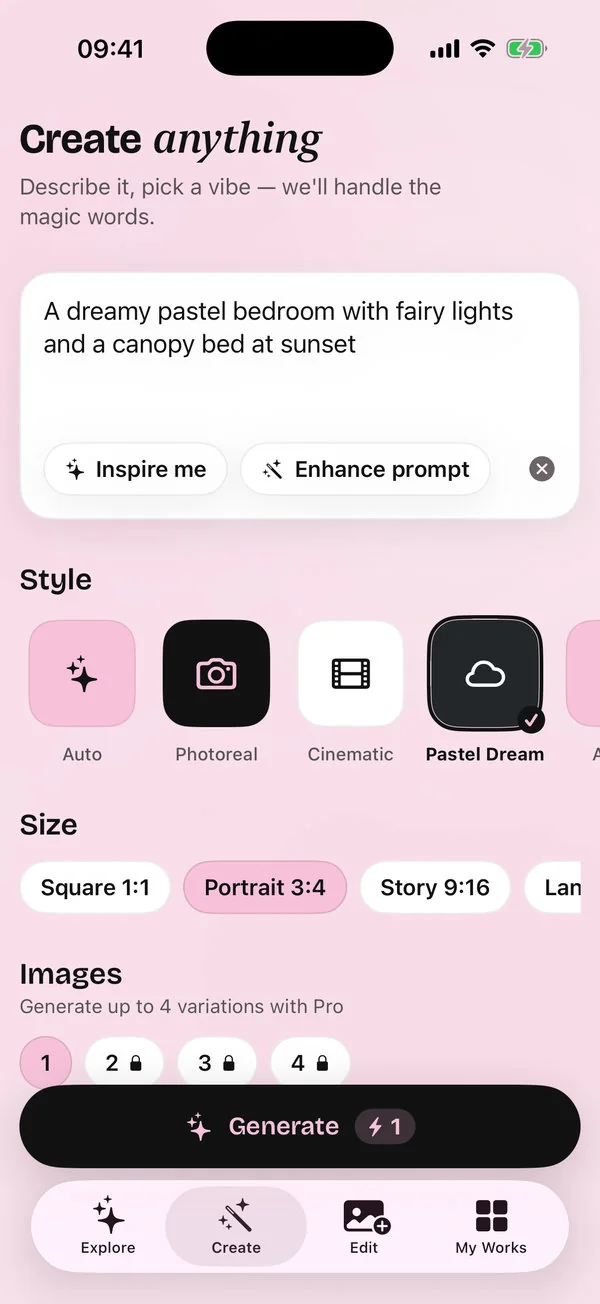
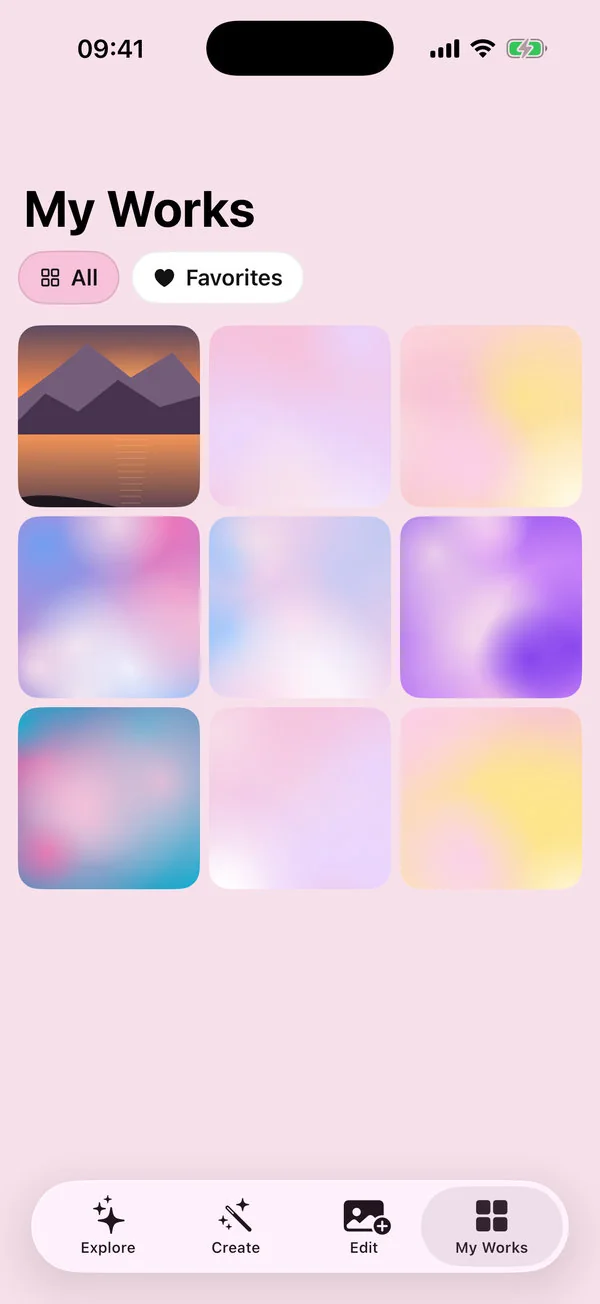
Screenshots were captured in the iOS Simulator in demo mode, where AI results are simulated.