58 looks · 9 collections
Every look, one tap
Aybuke's looks turn a photo into a trend in one tap: soft glam makeup, pastel pink hair, a 2000s digicam flash, a ballet studio, a royal pet portrait. Pick a look, choose a photo, done. Tap any look to see a real before and after.
Updated 14 October 2026


Trending now 12 looks
The looks everyone's trying this month, from boxed dolls to Y2K flash.
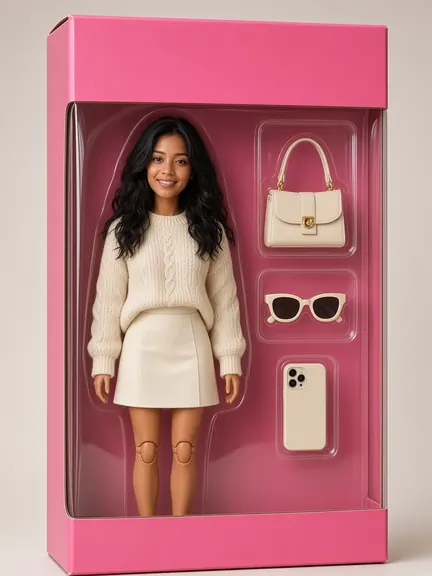
Doll Box
You, as a collectible dollProNew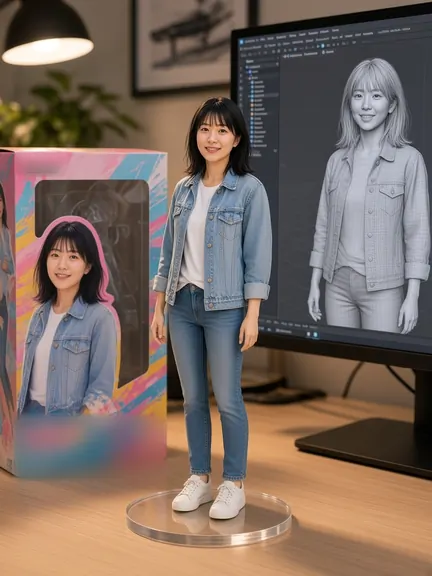
3D Figurine
Collectible desk toyPro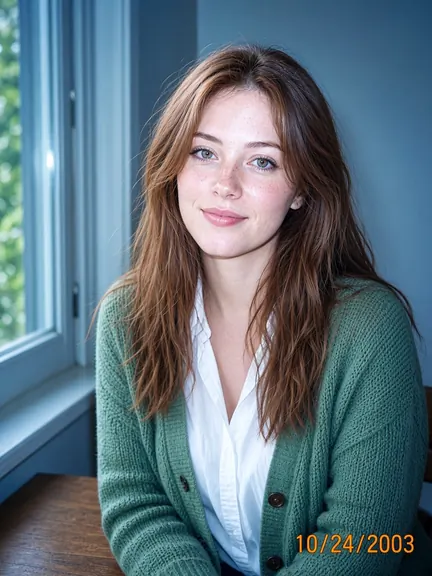
Y2K Digicam
2000s point-and-shootNew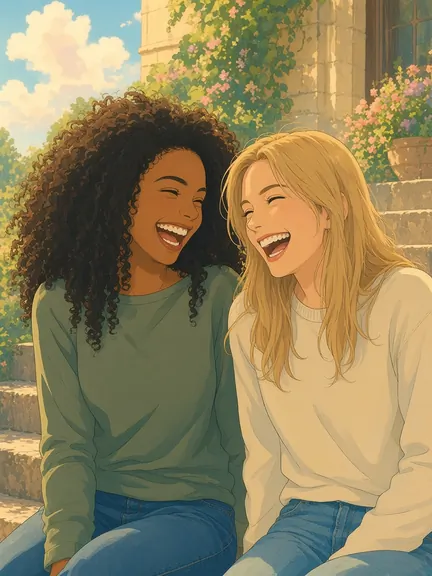
Anime Film
Hand-painted movie still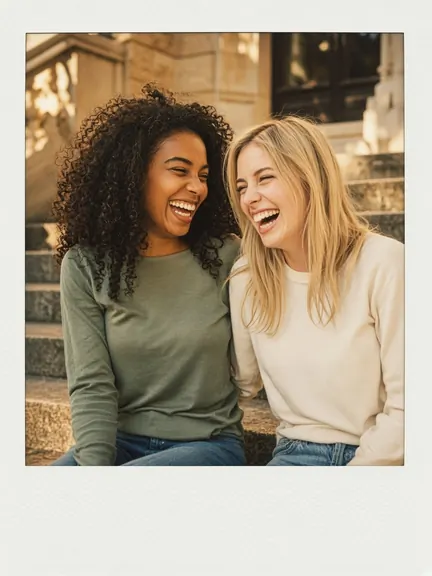
Bestie Polaroid
90s instant film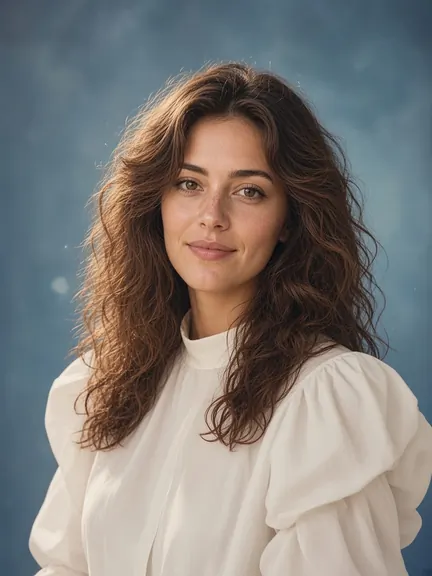
80s Studio Portrait
Mall photo-studio glamNew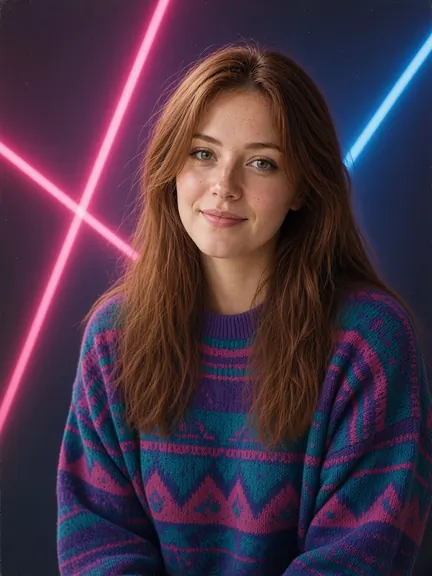
Laser Yearbook '86
Retro school-photo lasersProNew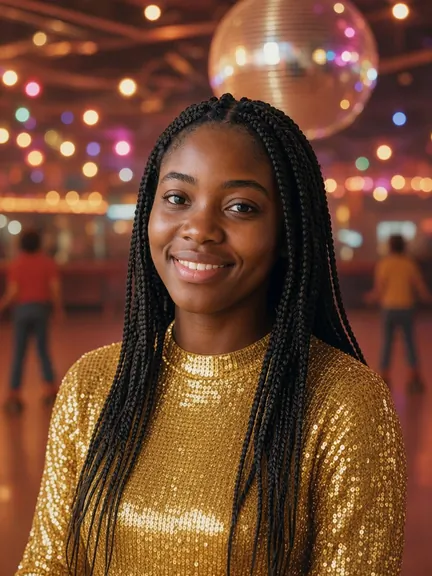
Disco '79
Mirror-ball sparkleNew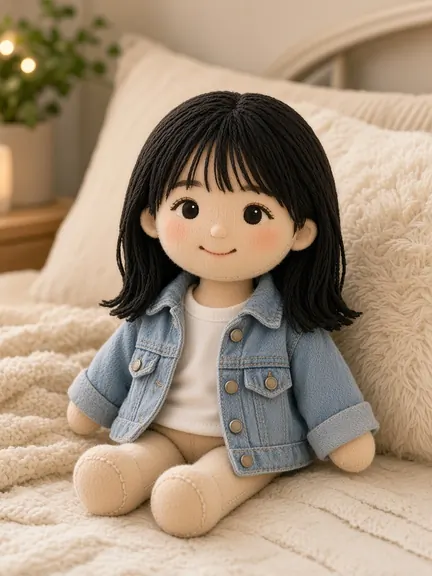
Plushie Me
You, as a soft toyProNew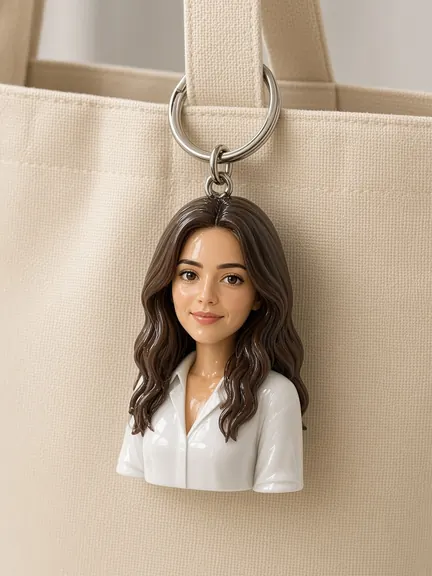
Bag Charm Mini
A tiny vinyl youNew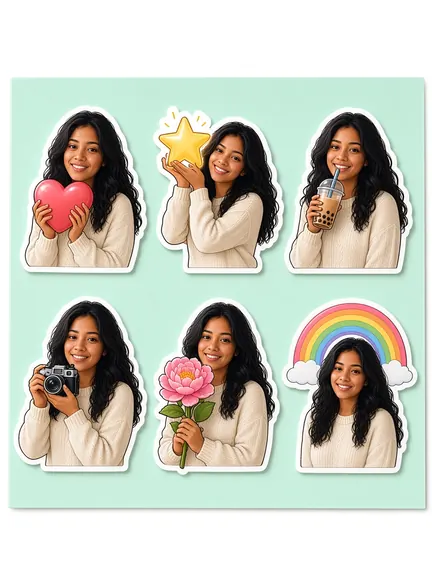
Sticker Sheet
Die-cut stickers of youNew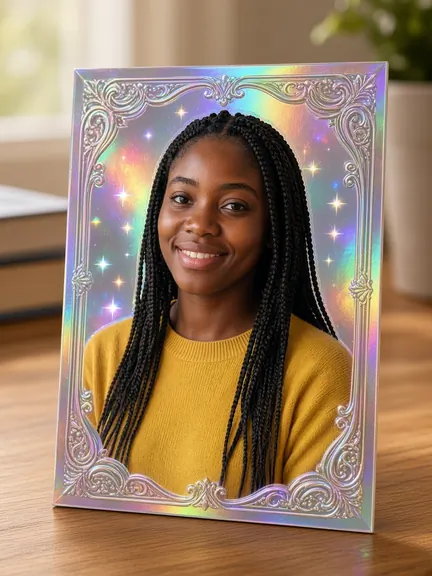
Holo Card
A shiny holo card of youProNew


Glow-up looks 5 looks
Pretty, natural changes that still look like you.


Aesthetic edits 9 looks
Put yourself somewhere prettier: a café, a dance studio, Paris in spring.
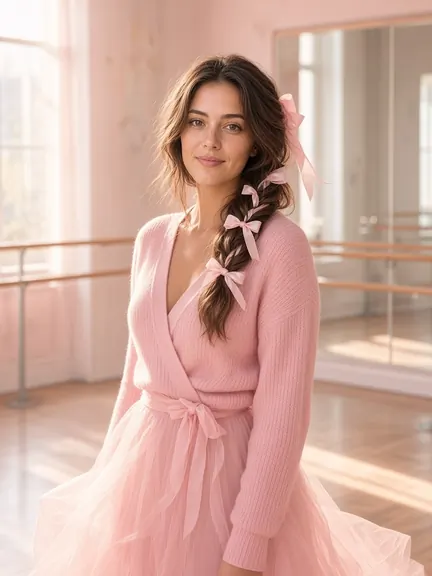
Ballet Core
Satin bows & tulleNew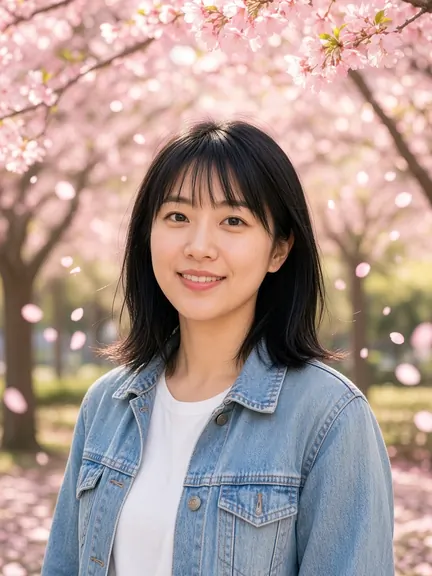
Cherry Blossom
Spring in full bloom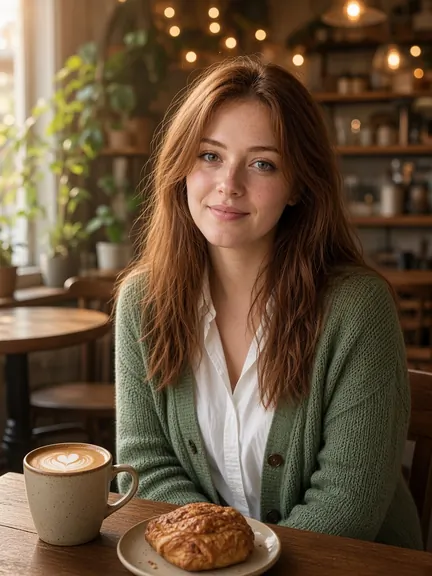
Café Date
Cozy latte vibes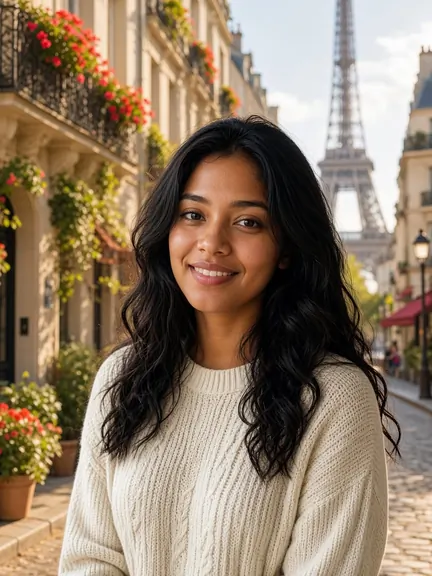
Paris Trip
Sunny city getawayProNew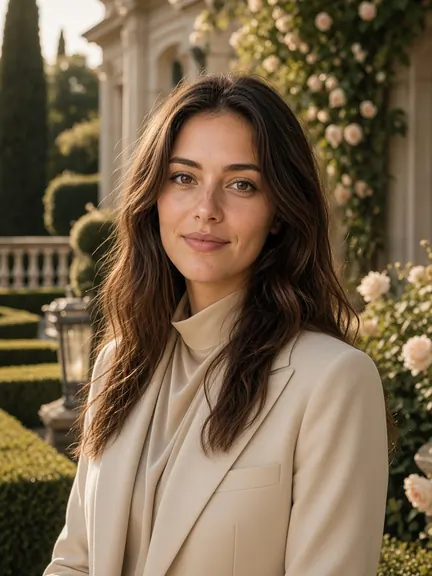
Old Money
Quiet-luxury editorialPro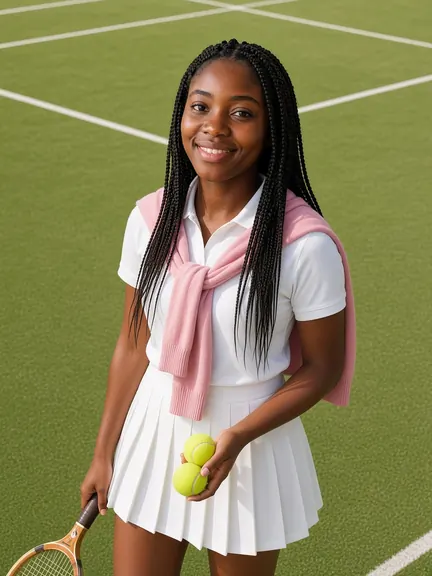
Tennis Club
Sunny court, sporty fitProNew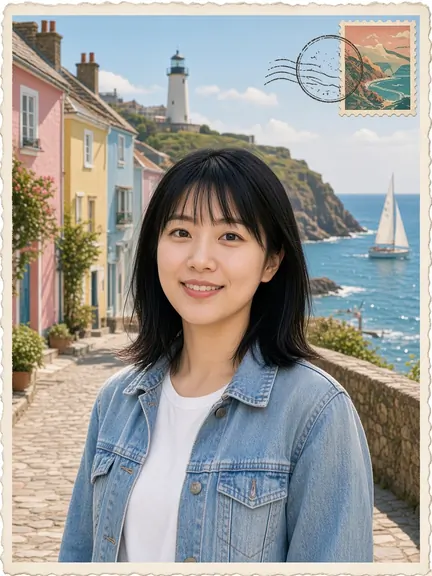
Travel Postcard
Greetings from the seasideProNew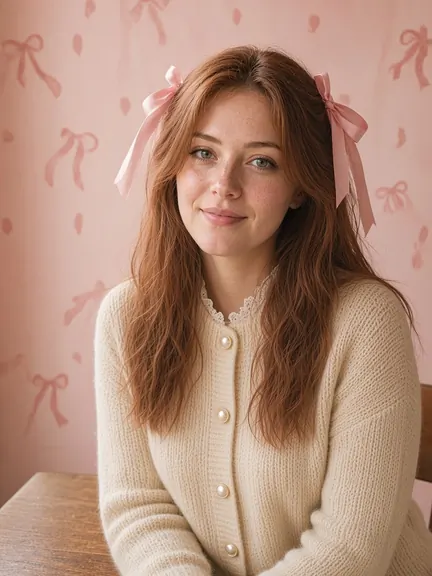
Bow Era
Ribbons, lace & pearlsNew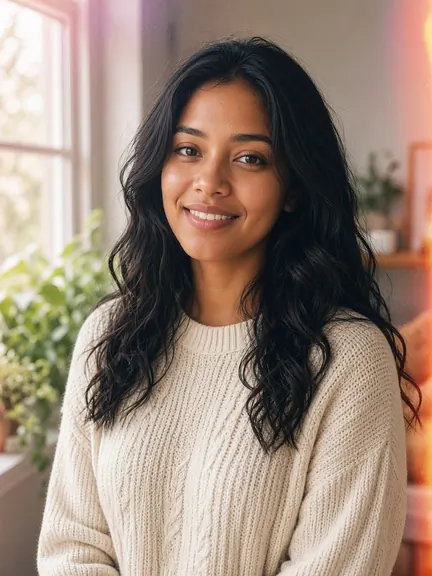
Soft Film
Dreamy 35mm snapshotNew


Bestie pics 4 looks
Looks made for photos with your friends.


Dreamy portraits 5 looks
Golden light, fairy wings, birthdays and graduation days.


Seasonal drops 7 looks
Halloween, winter and Galentine's looks, on Explore in season and in the editor all year.


Art styles 7 looks
Your photo as watercolor, oil paint, comics, clay or manga.


Pet portraits 6 looks
Royal portraits, plush toys and party hats for your pet.


For your shop & career 3 looks
Product shots, a professional headshot and an instant golden sky.


Example images are AI-generated model photos (not real people), edited with each look's own recipe and the same AI the app uses. Results in the app depend on your photo.
A look is a one-tap AI style for your photo. Aybuke has 58 of them — trends, glow-ups, aesthetic edits, bestie pics, dreamy portraits, seasonal drops, art styles, pet portraits and looks for your shop or career — and new looks arrive with app updates.
How one-tap looks work
Choose a look
Tap a look on Explore, or open Edit › Styles to see every collection.
Pick your photo
Choose a photo with Apple's photo picker. A clear, well-lit face works best for people looks.
Let it glow
Aybuke sends the photo to the cloud only after you've agreed once, then shows the result with a before/after slider.
Keep it or retry
Save, share or keep editing. If a people look doesn't look like you, tap Retry free.
Seasonal drops
Seasonal looks get their own row on Explore while they're in season, and every one of them is available all year in Edit › Styles.
| Season | On Explore | Looks |
|---|---|---|
| Halloween | 1 October – 2 November | Spooky Portrait (Pro), Witchy Glam |
| Winter | 1 December – 6 January | Snow Globe Me (Pro), Cozy Sweater Digicam, New Year Confetti |
| Galentine's | 1 – 14 February | Galentine's Brunch, Heart Photo Booth |
Makeup and hair, your way
Looks are one-tap recipes. For makeup you choose yourself, open Makeup Studio: 14 makeup looks, or your own mix of lips, eyes, blush, sparkle and a hair color. For any other change, type it with Magic Edit.
Free or Pro? Looks marked Pro are included with Aybuke Pro. Every other look works on the free plan with your 2 daily AI credits. Each look uses 1 credit, and failed ones are refunded.
FAQ
Looks, answered
How many looks does Aybuke have?
58 one-tap looks in 9 collections: trending now, glow-up looks, aesthetic edits, bestie pics, dreamy portraits, seasonal drops, art styles, pet portraits and looks for your shop or career. New looks arrive with app updates.
Which looks are free?
Every look without a Pro badge works on the free plan, using your 2 free AI credits a day. 20 looks, such as Doll Box, Fairy Princess and Old Money, are included with Aybuke Pro.
Will a look change my face or body?
No. Every look is written to keep your face, skin tone and body exactly as they are. If a result doesn't look like you, retry it for free.
Are the example photos real people?
No. The examples on this site are AI-generated model photos, edited with each look's own recipe and the same AI the app uses, so you can see what a look does. Your result depends on your photo.
Can I use looks on my pet?
Yes. Royal Pet Portrait, Pet Figurine, Pet Astronaut, Pet & Me Studio, Pawty Time and Plushie Pet are made for pets, and many art styles work on them too.
When are seasonal looks available?
They're featured on Explore in season — Halloween from 1 October to 2 November, winter from 1 December to 6 January and Galentine's from 1 to 14 February — and available all year in Edit › Styles.
Get ready to glow
Aybuke is made for iPhone, iPad and Mac. Want early access? Email us and we'll get back to you.
Email for early access