Safety & privacy
Safe, by design
Aybuke is made for girls and young women, including teens, so everyone gets high-privacy defaults: nothing goes to the cloud until you say yes, your photos never train AI, and the app celebrates vibes — never bodies or faces.
Updated 14 October 2026
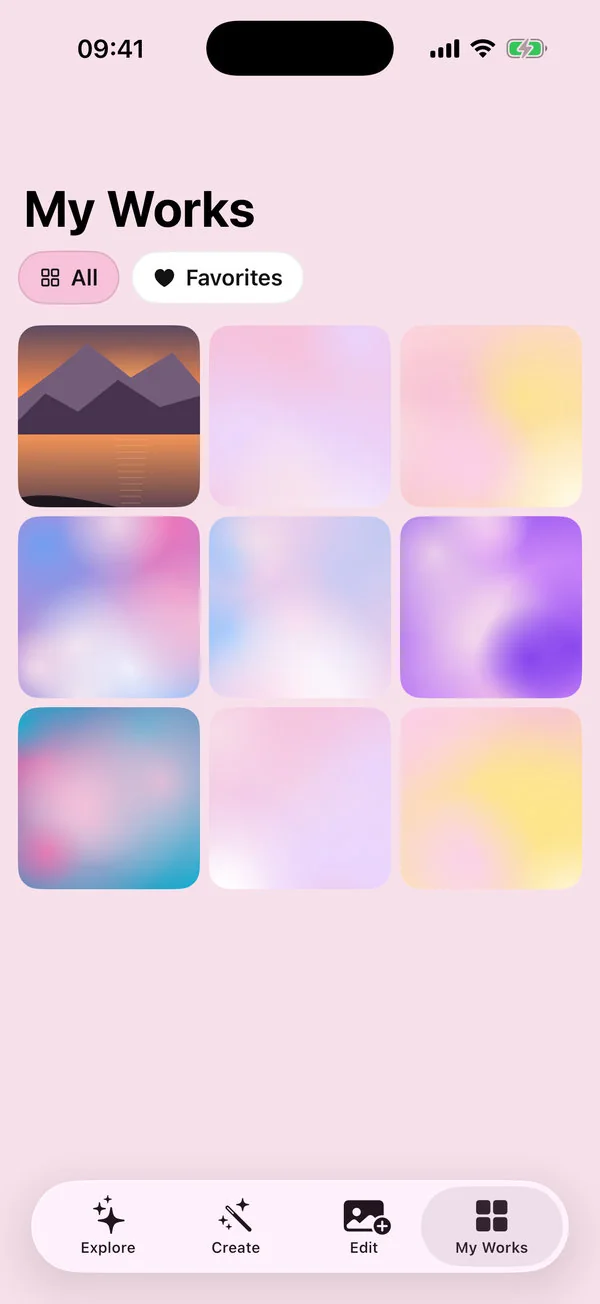
Aybuke is private by default. Effects, video edits and everyday tools run on your device. Cloud AI only runs after you agree, and what you send is processed to make your result — nothing more.
Your photos, your call
- Consent first. Before the first cloud edit, Aybuke asks for your permission and names who processes your photo. Say “Not now” and the on-device tools keep working. You can change your mind anytime in Settings › Privacy.
- Never trains AI. Your photos, prompts and results are never used to train AI models, never sold and never used for ads or marketing.
- Gone within an hour. Uploads aren't stored, and results are deleted from our servers as soon as your device has them — within an hour at most.
- Your gallery stays home. Everything you make is kept in My Works on your device, not in our cloud, and deleted creations wait in Recently deleted for 30 days.
- No sign-up wall. Aybuke creates an anonymous account automatically the first time you use cloud AI or make a purchase. Your credits belong to that account, and Pro follows your Apple Account through Restore purchases.
- Delete anytime. Settings › Delete my data & account removes your account and server records and resets the app on your device.
What we keep, and for how long
| Data | Where it lives | How long |
|---|---|---|
| Effects, video edits, on-device tools | Your device only | Never uploaded |
| Photos and prompts for AI edits | Passed to our AI provider to make your result | Not stored by us |
| AI results | Our servers, until your device downloads them | Within an hour at most |
| Job records (type, status, time, credits) | Our backend | Deleted after 30 days |
| Your gallery | Your device | Until you delete it |
| Account, credits and purchases | Our backend | Until you delete your data |
| Records of credits earned from ads (free plan) | Our backend | Deleted after 30 days |
| Ad requests (free plan, iPhone and iPad) | Google, which shows the ads; never your photos or prompts | Under Google's own policies |
The full details — including our service providers and your rights under the GDPR, the UK GDPR, KVKK and US state laws — are in the Privacy Policy.
Designed with teens in mind
- A neutral age step. Under 13 gets the on-device tools only, and under 18 never sees a paywall by itself. If you're 13 to 15, or under the digital-consent age where you live, the cloud AI consent screen asks you to read it with a parent or guardian.
- No feeds, likes or streaks. Nothing about you is public, and your creations are shared only if you choose to share them.
- Gentle notifications. Off until you turn them on, never at night or during school hours, and never showing your prompt.
- A Feel good page in Settings, for days when you need it.
Ads on the free plan
Ads help keep the free plan free, so free members 13 and up see a few ads from Google AdMob on iPhone and iPad, in two places only: a short ad they can choose to watch for +1 credit when they're out of credits (up to 2 a day), and now and then one after a finished save or share (never while editing, at most 3 a day and none in the first 24 hours).
- Never personalized, no tracking. No interest-based ads, no tracking prompt and no access to the advertising identifier (IDFA).
- Teen protections. Teens, and anyone whose age we don't know, get child-directed, G-rated ads.
- Your photos stay out of it. Google's ad software never gets your photos, prompts, results or user ID.
- No ads at all with Pro, under 13, on the Mac or in preview builds.
Safety filters
Aybuke filters prompts on your device and on our servers, in all 12 app languages. They're designed to block sexual, revealing and humiliating requests and anything that would reshape a body or a face. Our AI provider applies its own moderation, and results are screened automatically. No filter is perfect, which is why reporting is one tap away. If you think a filter got it wrong, email hello@buaze.com and a human will review it.
Kind by default
- Still you: looks keep your face, skin tone and body; an on-device likeness check runs after every people edit.
- Makeup as play: Makeup Studio only adds color, shine and sparkle. It never reshapes a face, smooths skin or changes skin tone.
- Kindness reminder: friends in your photo? One tap hides their faces before you share.
- Best shot picks by light and focus, never by looks; Which vibe? compares two of your creations, never your photo against an edit.
- Caption ideas are about the vibe, never about looks.
Honest AI labels
Every AI image you export carries an invisible “made with AI” label in its metadata (IPTC), as the EU AI Act requires. You can add a visible AI-edited label too, and both stay with the picture through every re-edit.
Report something
On any result, tap ••• › Report this image, or use the flag in the editor. Reports go to our team for review. You can also write to hello@buaze.com — including if someone edited a photo of you.
For parents
Aybuke doesn't track, has no social feed and keeps the gallery on the device. On the free plan, teens see a few child-directed, G-rated ads from Google on iPhone and iPad, never personalized; Pro has no ads, and there are none under 13. Purchases go through Apple, so Ask to Buy works as usual: with Family Sharing, a child's purchase request comes to you first. Our safety checklist explains what to look for in any AI photo app.
FAQ
Safety, answered
How does Aybuke protect teens?
Aybuke is for ages 13 and up and gives everyone high-privacy defaults: consent before cloud AI, no tracking, no public profiles or feeds, safety filters in every language, and an age step that keeps under-13s on the on-device tools and doesn't show a paywall to under-18s by itself. Ads on the free plan are never personalized, teens only get child-directed, G-rated ones, and under-13s get none. No app can promise perfect safety, so please report anything that worries you.
Are my photos used to train AI?
No. Your photos, prompts and results are never used to train AI models, never sold and never used for ads.
How long do you keep my photos?
We don't store the photos you send. Results are deleted from our servers as soon as your device has them, within an hour at most, and job records are deleted after 30 days.
Can I use Aybuke without the cloud?
Yes. Retro effects, Retro Cam, video editing and captions, background removal, Cut out, Hide faces, Best shot, Crop, Adjust, Text & Stickers and collages all run on your device without consent, credits or an account.
How do I delete my data?
Open Settings and tap Delete my data & account. It removes your account and server records and resets the app on your device, including My Works. To clear only your creations, tap Delete all creations. Cancel any subscription separately in your Apple Account.
Get ready to glow
Aybuke is made for iPhone, iPad and Mac. Want early access? Email us and we'll get back to you.
Email for early access