Make it with your friends
A creative studio for you and your friends. Can't decide which pic to post? Let them vote. Shoot a Retro Booth strip together, make photo dumps and add 80s and 90s effects, free and right on your device.
- Friends vote with a link
- Booth & effects free
- 12 languages
- iPhone, iPad & Mac
 aybuke


The short version
Aybuke at a glance
Plans and prices may change. Prices in US dollars for the US App Store.
- What it is
- A creative studio for you and your friends: photo polls with a private link, Retro Booth strips, photo dumps, retro effects and stickers. AI tools are there if you want them.
- Made for
- Girls and young women, ages 13 and up.
- Devices
- iPhone and iPad (iOS 17 or later) and Mac (macOS 14 or later), in 12 languages. Coming soon to the App Store.
- Inside
- Polls your friends vote on without the app, Retro Booth and Retro Cam, collages and carousels, Text & Stickers, Hide faces and video with captions.
- Price
- Free, with 3 polls and 2 AI credits a day. Pro: $5.99 a month or $39.99 a year with a 7-day free trial. No weekly plans.
- Always free
- The booth, the camera, collages, 13 retro effects, stickers, cut outs and video edits with captions, with no watermark.
- Privacy
- Asks before any photo goes to the cloud. Photos never train AI, polls are deleted after 24 hours and AI results leave our servers within an hour.
- Made by
- An independent developer in Istanbul. Questions: hello@buaze.com
Everything in one studio
More to make together

Which pic should I post?
Pick two photos and get a private link. Friends tap A or B in any browser, with no app or account. The votes stay anonymous, and after 24 hours everything is deleted.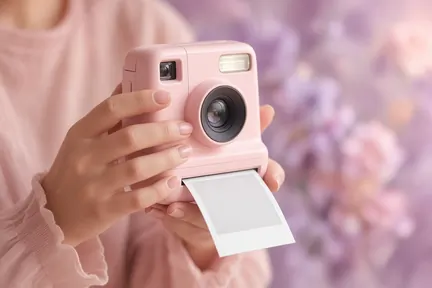
Retro Booth & Retro Cam
Four shots with a 3-2-1 countdown, printed as a strip or a grid with the date. Or shoot 80s, 90s and Y2K effects live, with a self-timer, a photo coach and Glow looks made of light and color.
Photo dumps & carousels
Turn 2 to 9 photos into a grid, a mosaic, a film strip, instant prints, a scrapbook or a moodboard, or one seamless carousel.
Retro effects
13 retro effects from VHS '86 to Rainbow '17, plus Tiny World, with an optional date stamp, border or camcorder display.
Hide faces
Blur, pixelate or cover anyone who didn't say yes, in the editor or as you share. Aybuke reminds you before you post a photo with other people in it.
Pro tools, zero uploads
Text and stickers, cut outs, best shot, crop and your own filters: everything here runs on your iPhone, with no watermark.
Share your way
Story cards, photo strips and Cover star covers in sizes for every app, with your own words and caption ideas.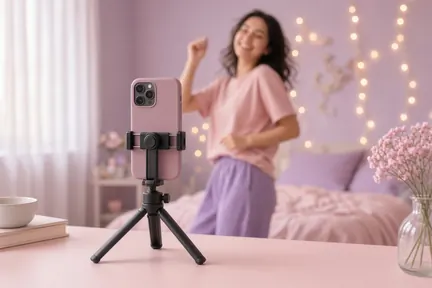
Video with captions
Captions made on your device in five styles, silence cuts, retro effects and trim, plus a one-tap 9:16 Auto edit (one free a day).
Magic Edit
Type a change like “golden hour light” and compare before and after. Every edit is told to keep your face, skin tone and body exactly as they are.
Makeup Studio
Makeup as play: 20 one-tap looks or your own mix of lips, eyes, blush and sparkle. It only adds color and shine, and never reshapes a face.
Create from text
Turn an idea into art with 20 styles, from Pastel Dream and Kawaii to Storybook and Diorama, with ideas from Aybik or Apple Intelligence.
Ask Aybik
Our AI helper suggests poll questions, finds looks for your vibe, writes the words on your cards and answers questions about the app.


Aybuke for Mac
Same studio, bigger screen
The same Aybuke on your Mac, in one window you can resize, with Studio, Polls, Edit and My Works in a sidebar and a real menu bar.


- Shortcuts you know ⌘1–⌘4 ⌘O ⌘S and more, in a real menu bar
- Drag a photo in Drop a photo or video from Finder onto the window to edit it
- Retro Booth on your Mac With the built-in camera, a USB camera or Continuity Camera
- Pro follows your Apple Account One Pro for your iPhone, iPad and Mac
macOS 14 or later · No ads on the Mac Aybuke for Mac
Private by default
Your photos, your call
Designed with teens in mind, so everyone gets high-privacy defaults.
- Consent first
- Never trains AI
- Polls gone after 24 hours
- Gallery on your device
- No tracking, no personalized ads
- Delete anytime
Fair-Price Promise
Prices that play fair
The studio is free. Pro adds more AI, no ads and no watermark, with no weekly plans and no surprise charges.
- Free $0
- Pro Yearly $39.99/yr
- Pro Monthly $5.99/mo
- 30 credits $2.99
- 100 credits $7.99
Prices in US dollars for the US App Store; plans and prices may change. Elsewhere, the App Store shows local prices, including any taxes, before you buy. Subscriptions renew automatically until you cancel in your Apple Account settings.
AI looks, if you like
Optional: 77 one-tap AI looks in 9 collections, plus seasonal drops for Halloween, winter and Galentine's and local holidays from Bayram to Día de Muertos. They use AI credits, some need Pro, and new looks arrive with app updates. See every look.
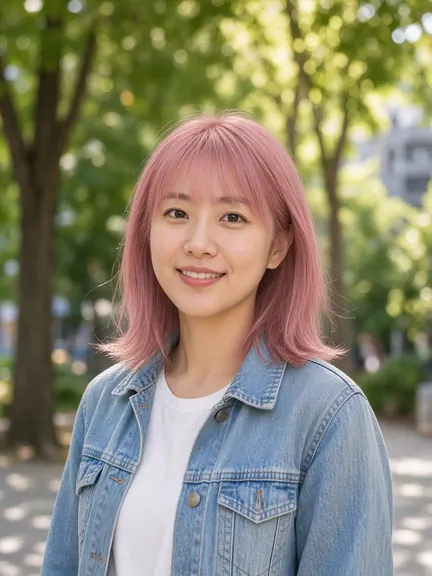

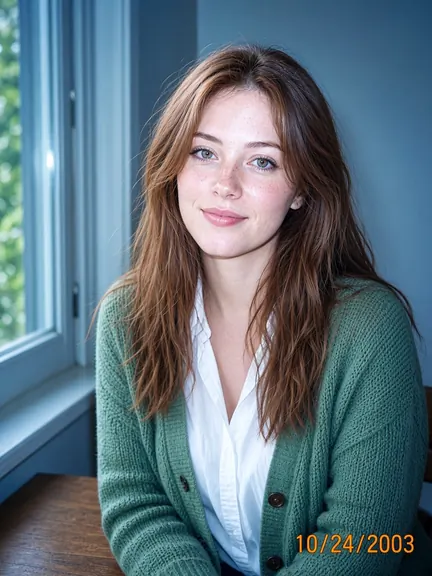


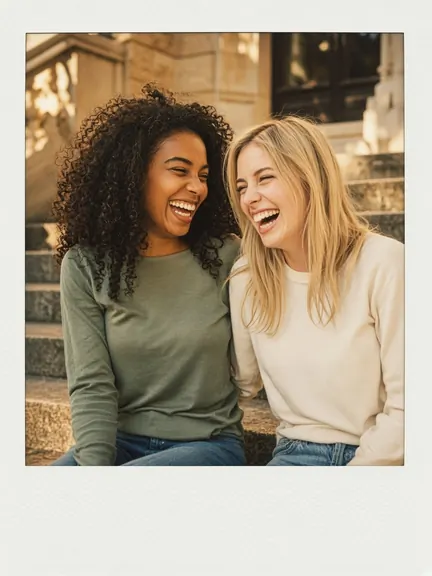

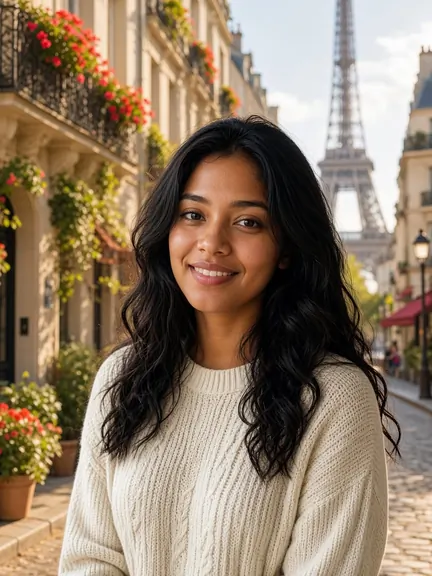




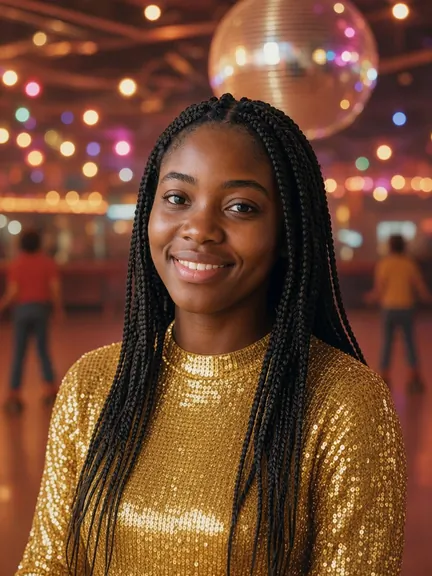


Example images: AI-generated model photos, edited with the app's own look recipes. Not real people; results in the app depend on your photo.
FAQ
Good questions
Still wondering? Read all questions or write to hello@buaze.com and we'll get back to you.
What is Aybuke?
Aybuke is a creative studio for you and your friends, on iPhone, iPad and Mac. Ask your friends which pic to post with a private link, shoot Retro Booth strips together, make photo dumps and carousels, add retro effects and stickers, and hide the faces of anyone who didn't say yes. AI tools like Magic Edit and Makeup Studio are there too, if you want them.
Where can I get Aybuke?
Aybuke is made for iPhone, iPad and Mac (iOS 17 and macOS 14 or later) and is coming to the App Store; it isn't available there yet. For early access, email hello@buaze.com.
Do my friends need the app to vote?
No. You get a private link, and anyone you send it to taps A or B in their browser, with no app or account. Votes are anonymous, you see gentle bars instead of a winner, and after 24 hours the pictures, your question and the votes are deleted. Polls are for ages 13 and up, 3 a day, and both pictures get a safety check before anyone sees them.
Is it free?
Yes. Retro Booth and Retro Cam, 3 polls a day, collages, retro effects, stickers, cut outs and video editing with captions are free, and the booth, the camera and the editing tools run right on your device. You also get 2 free AI credits every day for the optional AI tools, and the free plan shows a few ads, never personalized. Pro gives you 80 AI credits a month, every look and style, no watermark and no ads.
Do you keep my photos?
No. Your booth strips, collages, effects and edits never leave your device. A poll's two pictures, your question and the votes are deleted after 24 hours. Photos you send for an AI edit aren't stored by us, results are deleted from our servers within an hour at most, and nothing is ever used to train AI.
Get the app
Bring your friends
Aybuke is made for iPhone, iPad and Mac. Want early access? Drop us a line and we'll get back to you.
 iPhone
iPad
Mac